MOSS: The Programmable Pixel Art Playground
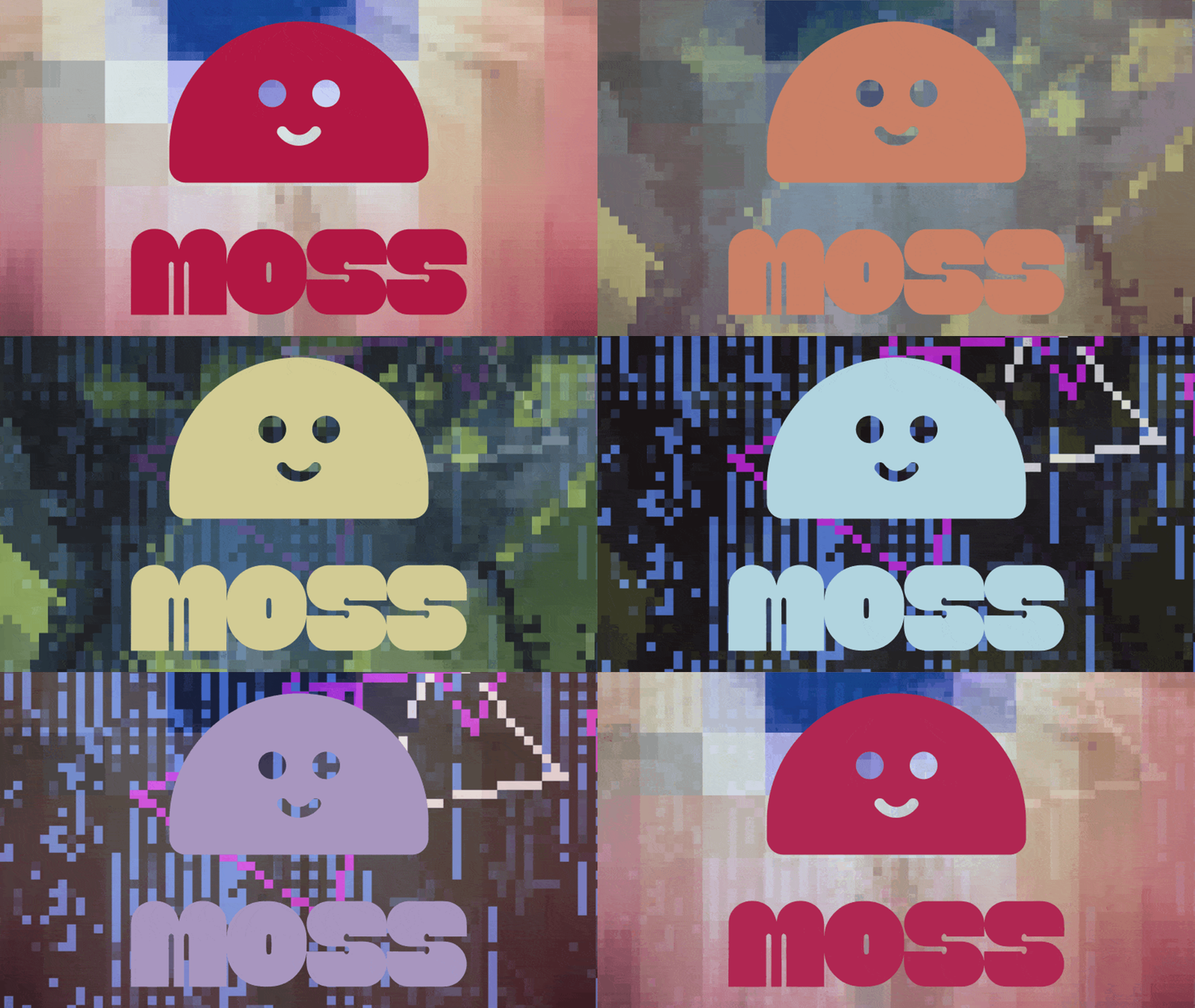
MOSS is a programmable pixel art editor where brushes function as customizable scripts with life-like behaviors. It features over 50 dynamic presets that allow for emergent artistic patterns through data manipulation on the canvas. Users can save and share their work, enabling others to paint with the same custom tools and color palettes.
Key Points
- Every brush in MOSS is a tiny, customizable program that dictates how it interacts with the canvas.
- The canvas treats pixels as data, allowing for emergent patterns and 'happy accidents' during the painting process.
- The tool includes over 50 ready-to-use brushes ranging from traditional ink to complex generative effects like growth and glitches.
- Shared artworks are interactive, allowing others to open a file and use the specific custom brushes and palettes used to create it.
Sentiment
The Hacker News community is overwhelmingly positive about MOSS. Nearly every comment expresses enthusiasm, delight, or constructive feature suggestions. The few critical comments focus on minor UX discoverability and platform-specific bugs rather than fundamental disagreements with the concept. The creator's active engagement and willingness to implement features during the discussion further endeared the project to the community.
In Agreement
- The concept of programmable brushes in a pixel art editor is creative, exciting, and genuinely fun to use
- The tool captures a sense of playful exploration reminiscent of MSPaint and childhood drawing
- Browser-based pressure-sensitive stylus support for Wacom and Surface Pro devices is impressively implemented
- The PNG-encoded brush sharing inspired by PICO-8 is a clever design choice with great potential for community collaboration
Opposed
- The brush programming interface is hard to discover — multiple users struggled to find how to edit or create brushes
- The tool does not work for some users, with one reporting a blank canvas on Chrome/macOS
- Better onboarding or a tutorial is needed for new users to understand the tool's capabilities
- Mobile and iOS experience has noticeable touch input and polling rate issues